For macOS · One-time purchase
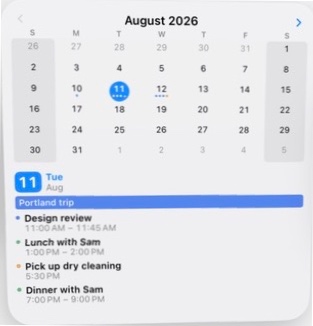
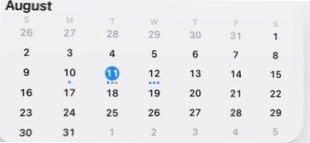
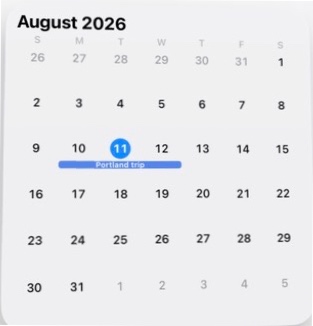
One keystroke and your whole schedule is there — month, agenda, reminders, invitations — then it's gone before the rest of your Mac notices. Apple, Google, and Microsoft calendars, one impossibly quick panel.
One box. Type anything.
A few letters finds an event. A sentence creates one. Keep scrolling.
…press return. That's the whole workflow.
It sentence-cases your title, picks the right calendar from what the entry is, knows “dinner” means evening, and files “remind me” as a reminder. On macOS 26, Apple Intelligence parses on-device; earlier Macs use InstaCal's built-in parser. Nothing leaves your Mac either way.
The Agenda
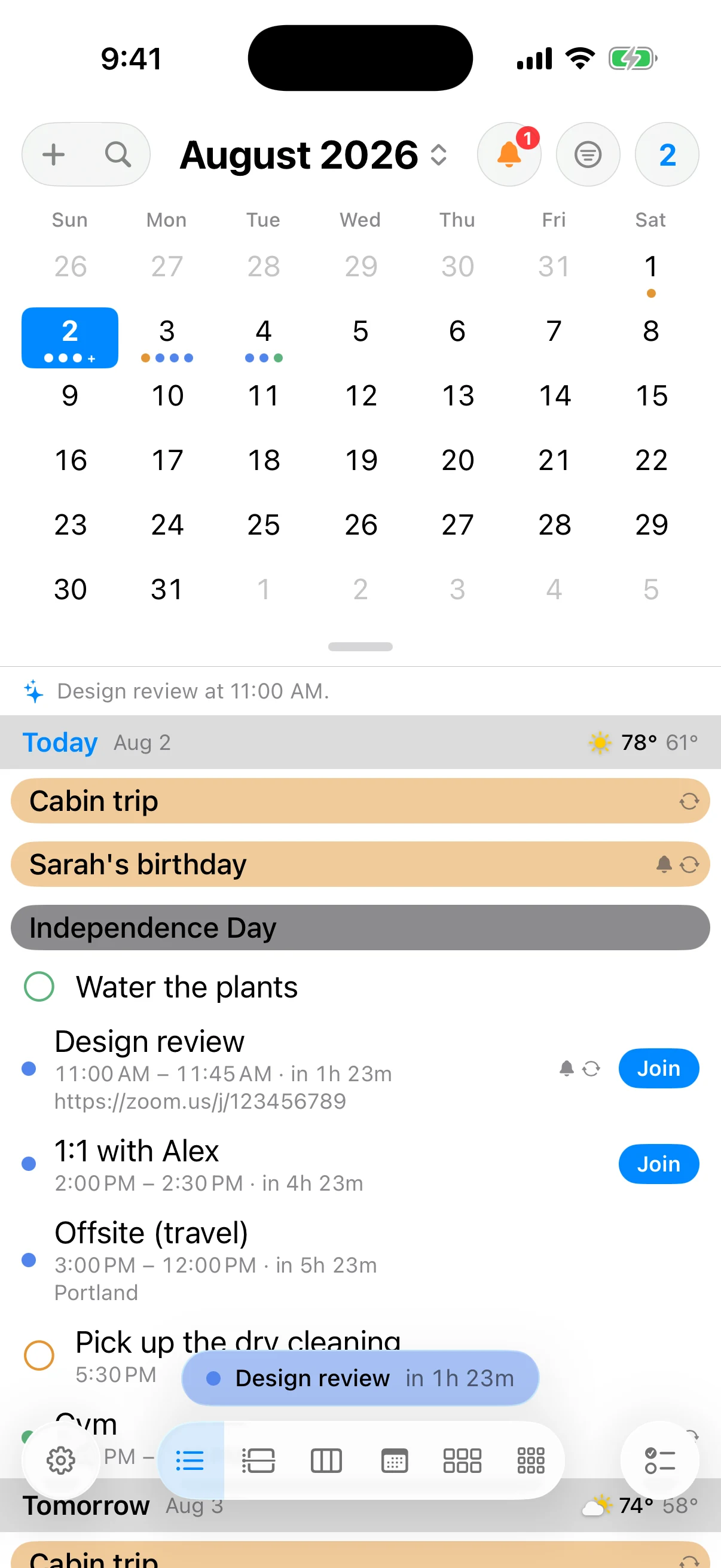
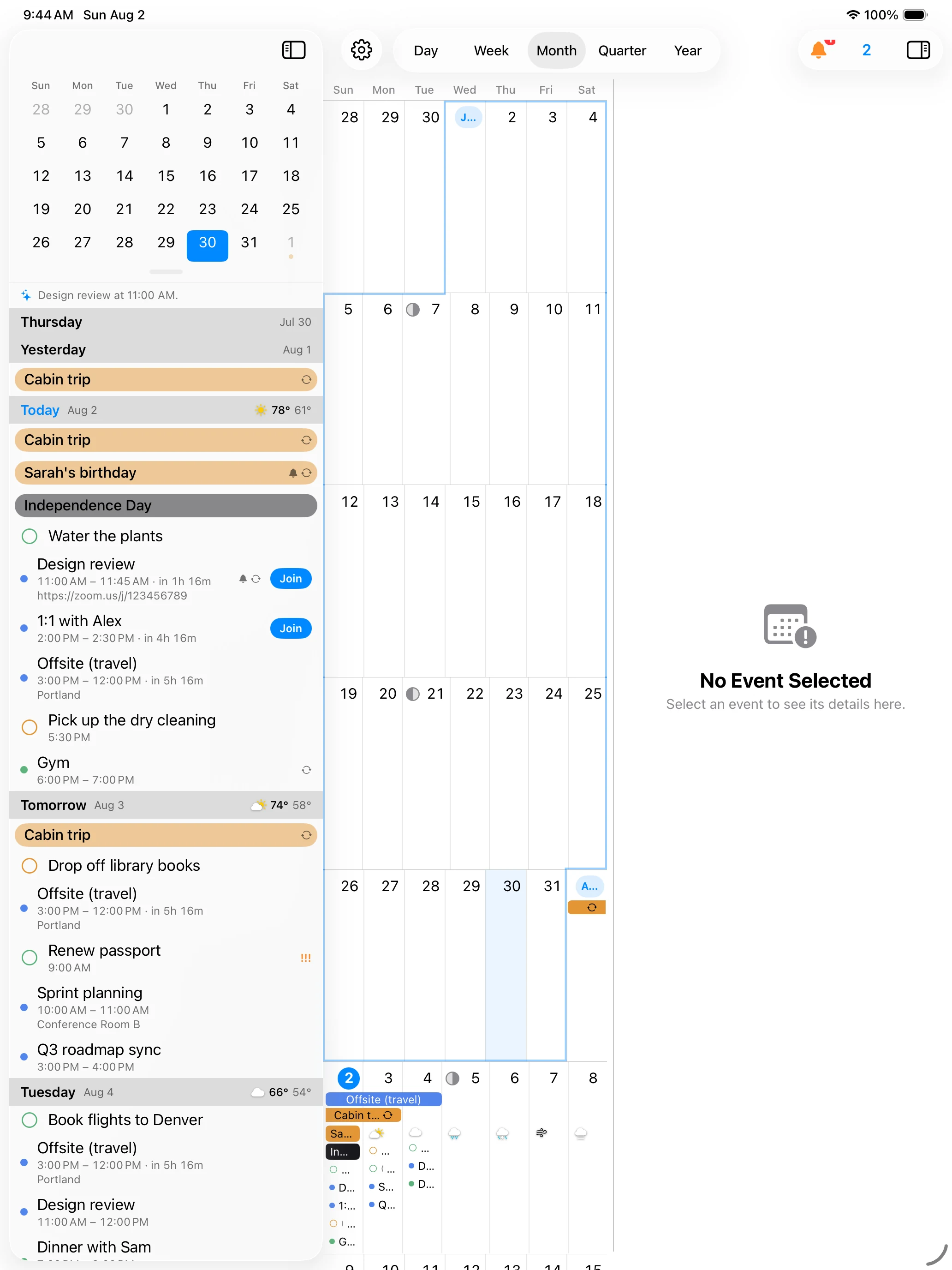
Scroll forever into the future; pull past the top for earlier days. Anything that needs an answer gets answered in place.
The agenda never runs out, and “Earlier” is one pull away.
Accept, decline, or reply tentative — with a comment, or silently. Dismiss what's done; the section collapses when nothing's new.
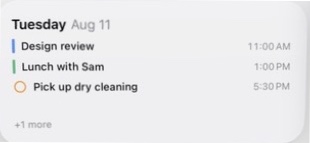
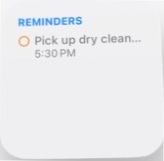
Due reminders sit right in your day, priority marks and all. Click the circle to complete.
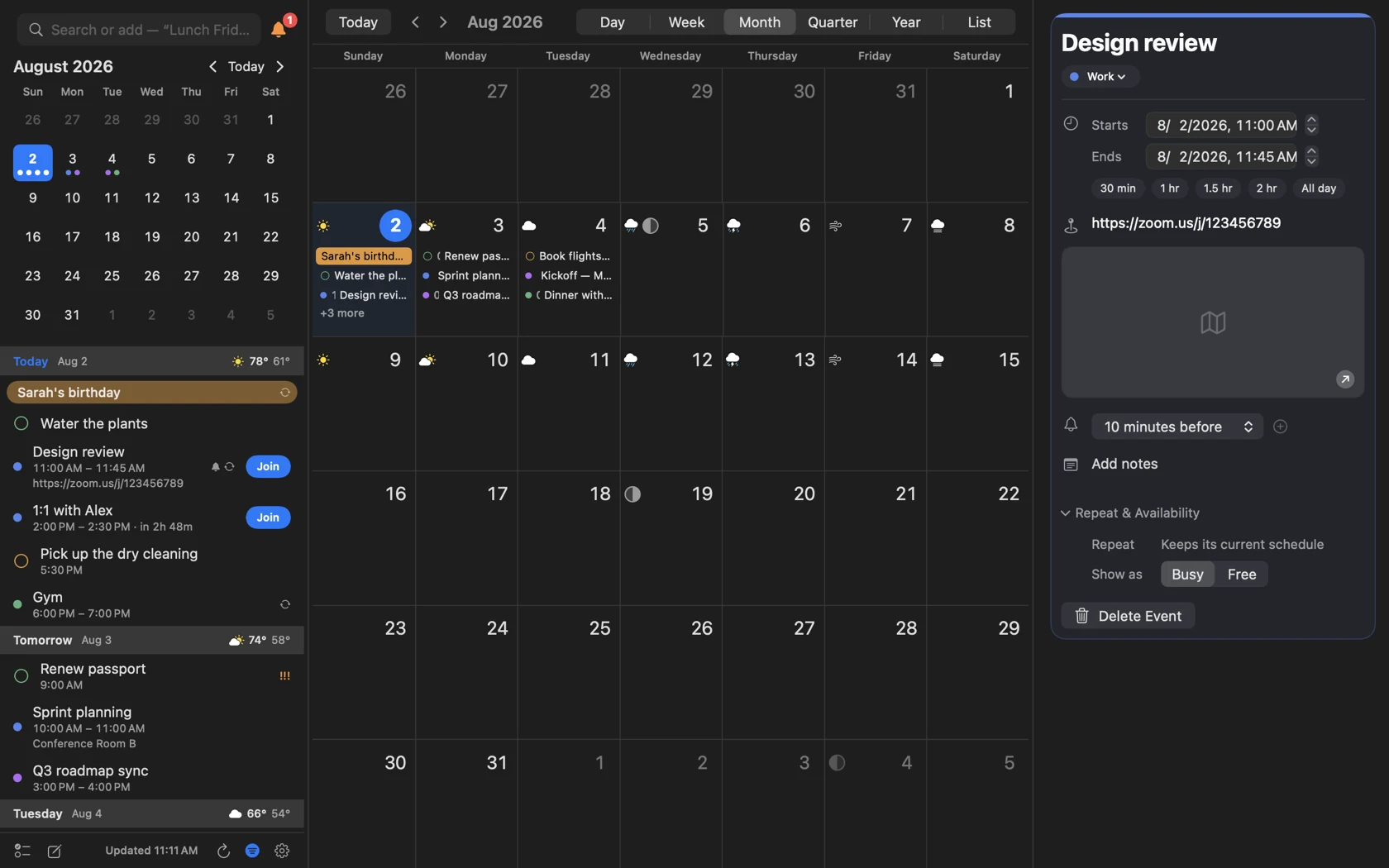
Event details open beside the panel, never over it. Long notes expand with a click.
Weather
Planning Saturday means checking Saturday's weather — so it's right there in the day header: conditions, high, and low. No detour to a weather app.
Apple Weather or The Weather Channel — pick in Settings, or turn it off entirely.
Far-off headers add “· in 7 days,” so distance reads at a glance too.
Meetings
InstaCal finds the call link wherever it's buried — URL field, location, notes — and turns it into a Join button that appears ten minutes before start: in the agenda row, the event details, and the notification itself.
Starts in 5 minutes · Zoom
Same event, three exits: the row, the flyout, the notification.
Calendar Sets
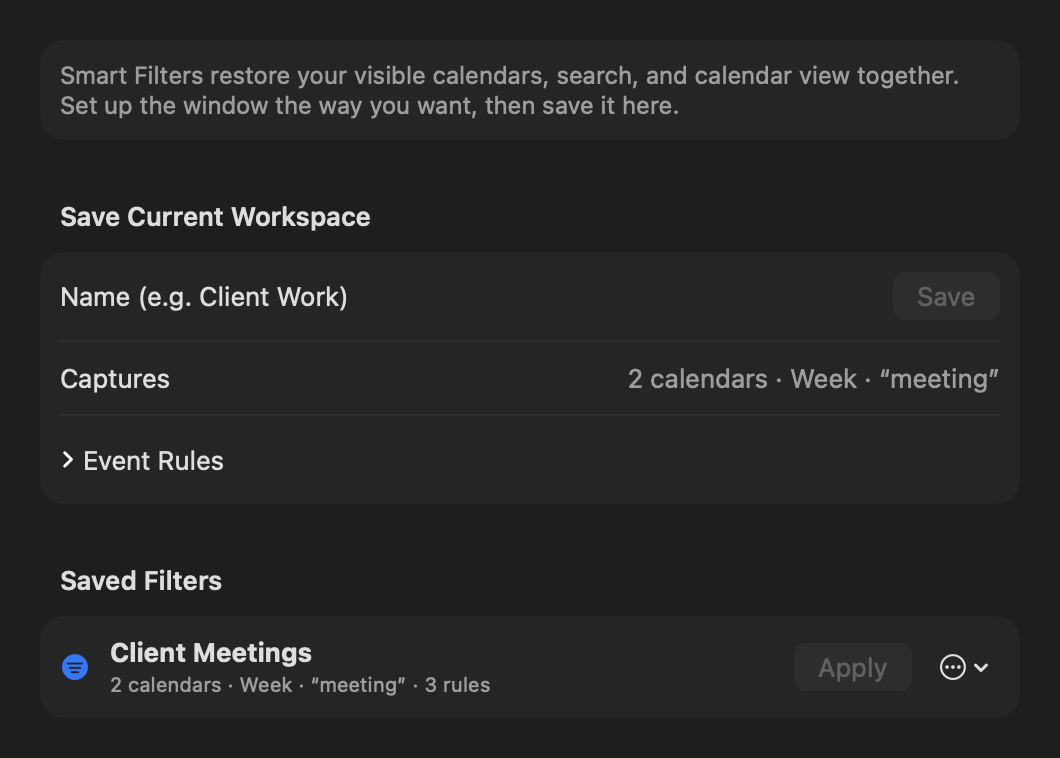
Name a group of calendars and switch the whole panel from the footer. On the clock, “Work” hides the family noise; at 6 PM, “Personal” hides the standups. Try it — click a set.
Sign in through your browser; tokens stay in your Keychain. Incremental sync moves only what changed, and a local cache keeps the panel instant — even offline.
Appearance
Settings show a live preview while the panel stays open, so you're never guessing. Accent color, panel background and height, day-header band and text colors, event indicator styles — all yours.
Titles above times — or a tidy time-on-the-left column, if that's how your brain files a day.
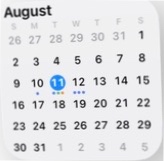
Drag the panel to any height. Week numbers and a second time zone are a toggle away.
Built for the Keyboard
Global hotkeys open the panel, start a new event, or jump to reminders from any app. When the panel closes, you're back exactly where you were.
InstaCal is pure Swift — no web wrapper, no background bloat — so the panel opens instantly and sips battery. It's sandboxed by the App Store with zero analytics and zero tracking; tokens live in your Keychain, and events sync straight between your Mac and your calendar providers. There's no server of ours for your data to visit. Nothing phones home.
The Rest of It
All of it included. There is no “Pro” tier — this is the whole app.
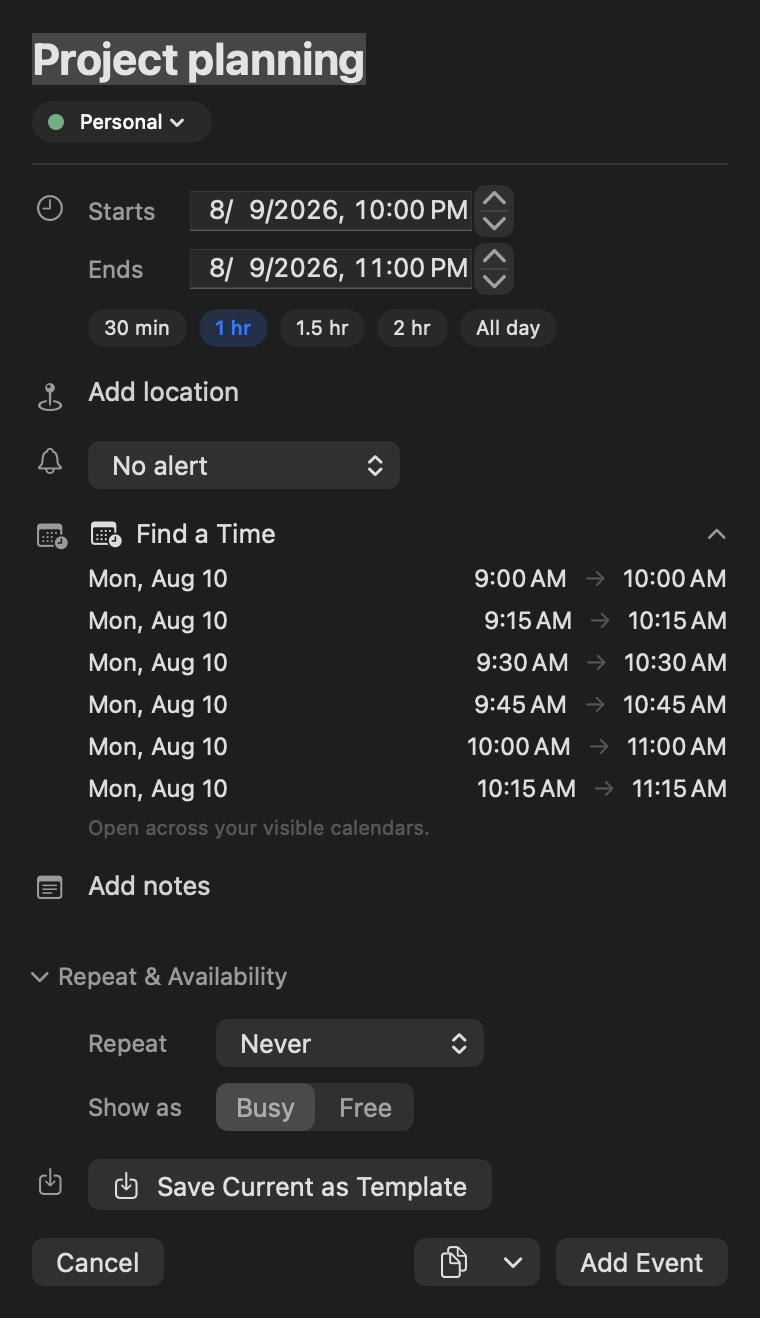
Duration chips, repeat rules, availability, attendees with invites, multiple alerts, location autocomplete via Maps.
Due dates, priority, list, notes — even location-based geofence alerts.
Snooze five ways, join the call, or answer an invite — right from the banner.
Say why you're declining — or reply silently and skip the email entirely.
Mark where new events land by default; quick add can still override it when an entry obviously belongs elsewhere.
Override any calendar's color locally — even ones an admin controls.
Registered the modern way — no helper apps, no Login Items surprises.
See another zone alongside yours — for teams that live nine hours apart.
Version 3 is a normal update: accounts, calendars, hotkeys, and settings carry over automatically.
Pricing
Not $4.99/month. Not $39/year. Not “free with Pro features”.
That's the entire business model. No subscription, no account to create, no upsells, no AI credits. Buy it once on the Mac App Store and it's yours — every feature on this page included.
Questions
Yes. One purchase on the Mac App Store, every feature included, free updates. If we ever ship something big enough to charge for again, it'll be a new purchase you can freely ignore — never a subscription switcheroo on the app you bought.
All three, together. iCloud and anything else in Apple Calendar comes via macOS; Google and Microsoft 365 / Outlook connect directly with a standard browser sign-in. Mix them freely in one agenda and one set of Calendar Sets.
It replaces the reasons you open Calendar.app — checking what's next, adding something quickly, answering an invite, joining a call. The full app is still there for the once-a-month deep edit; InstaCal is for the two hundred glances in between.
On macOS 26 and later, quick-add parsing runs on Apple's on-device models — nothing leaves your Mac. On macOS 14–15, InstaCal's built-in natural-language parser handles the same phrases. Either way it's the same box and the same Return key.
Version 3 installs as a normal App Store update and migrates everything on first launch — your Google and Microsoft sign-ins, visible calendars, menu-bar style, hotkeys, and preferences. You shouldn't have to set up anything twice.
Nothing. There are no analytics, no crash-tracking SDKs, no accounts, and no server of ours in the loop. Your calendar data moves only between your Mac and the calendar services you connect.