What's New in InstaCal

InstaCal updates often. Here is everything that has shipped, newest first — told properly, with the App Store bullets one tap away for anyone who just wants the list.

5 releases · 3.0.0 → 3.3 · updated August 6, 2026

  1. 3.3Latest
    Mac

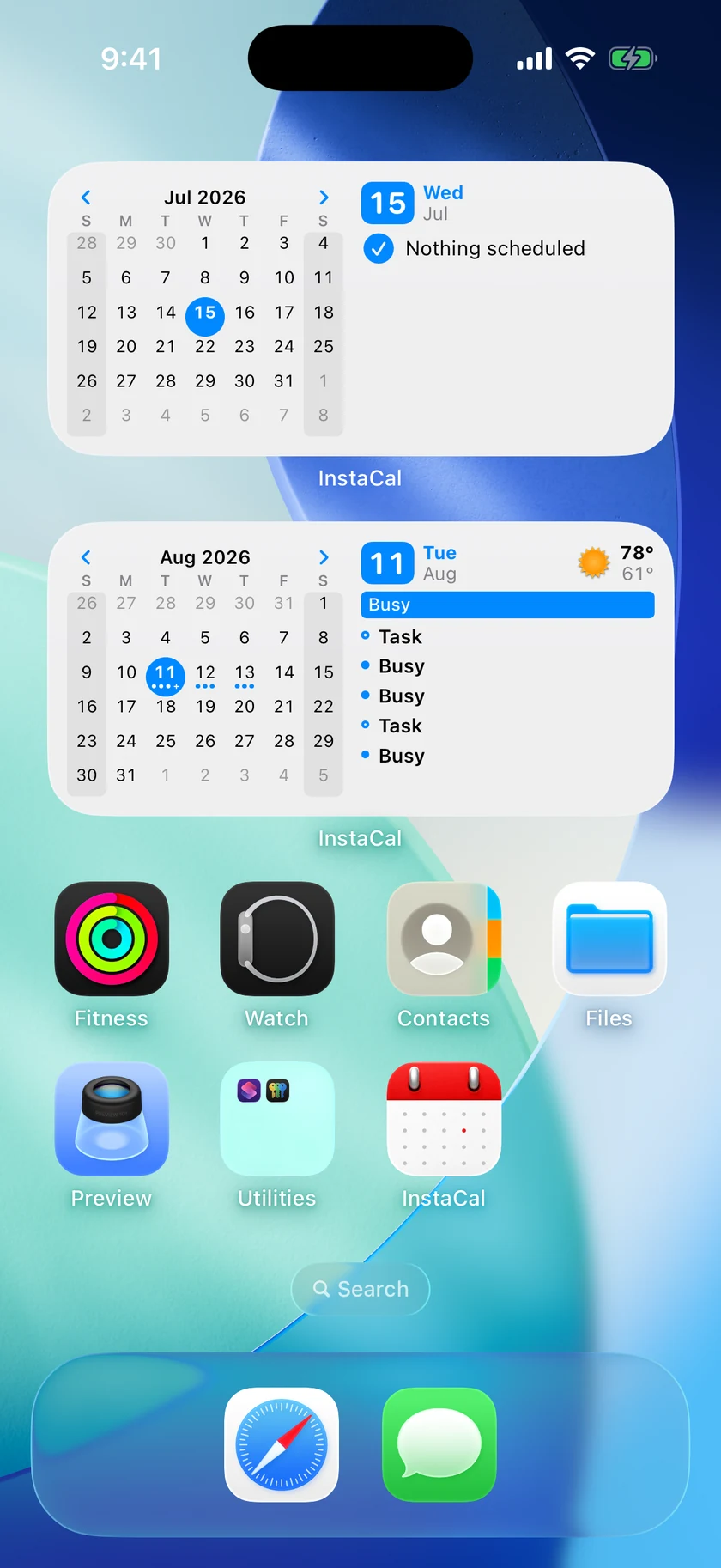
    Widgets, and video meetings end to end

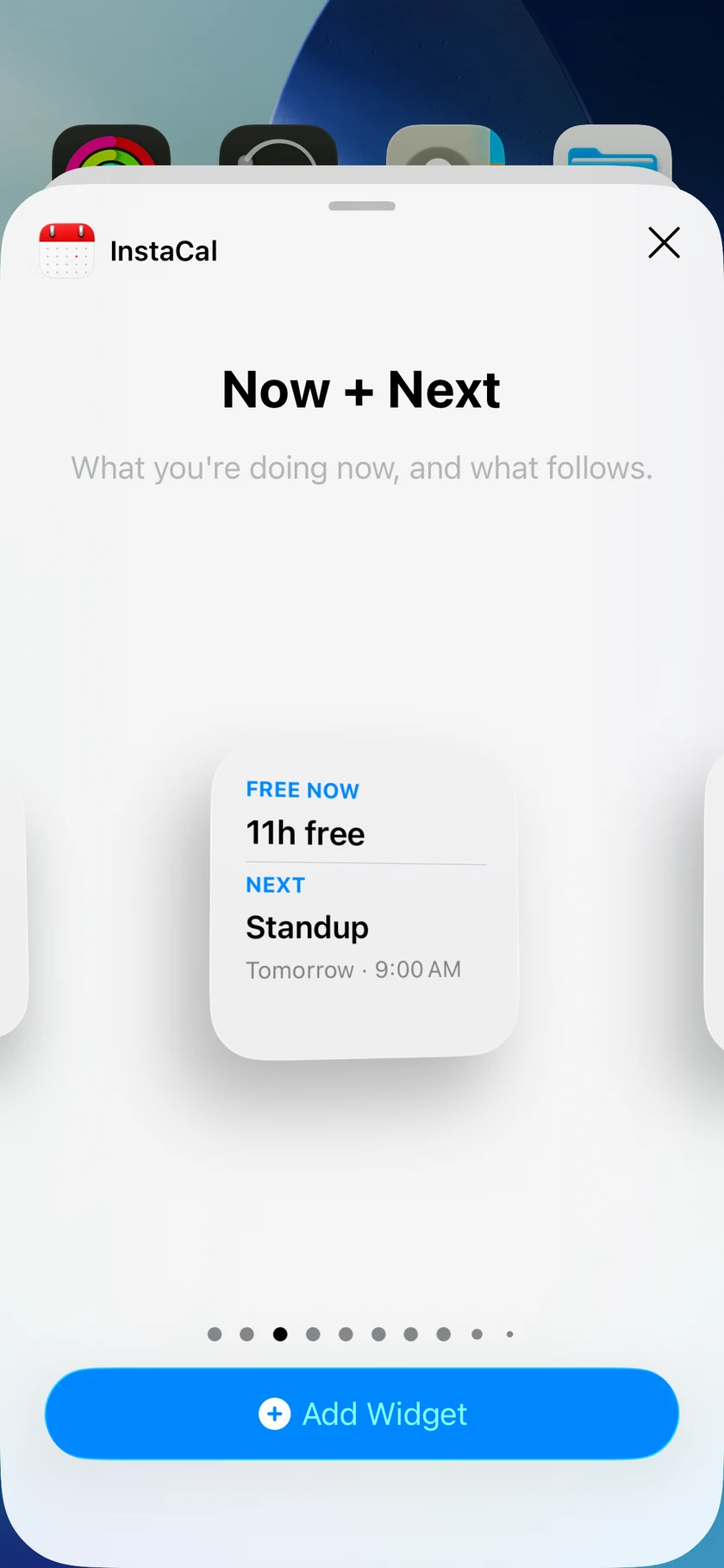
    Native Mac widgets for Next Event, Agenda, Month and Up Next — and video links you can add while creating an event, not just open afterwards.

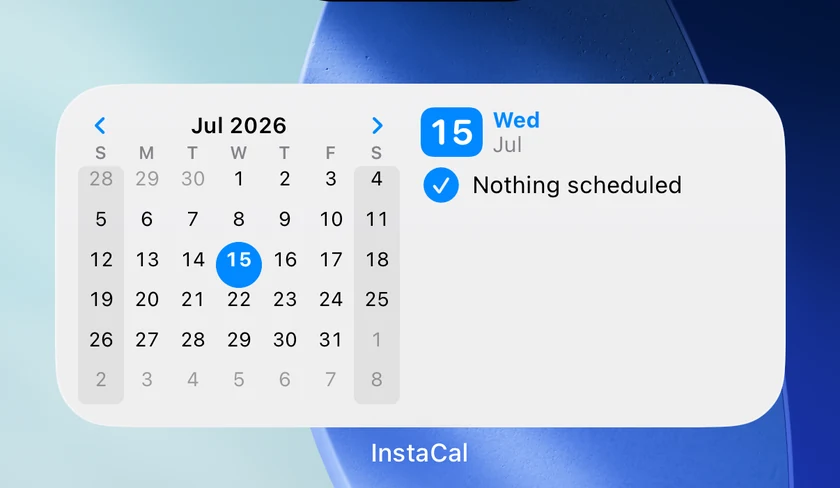
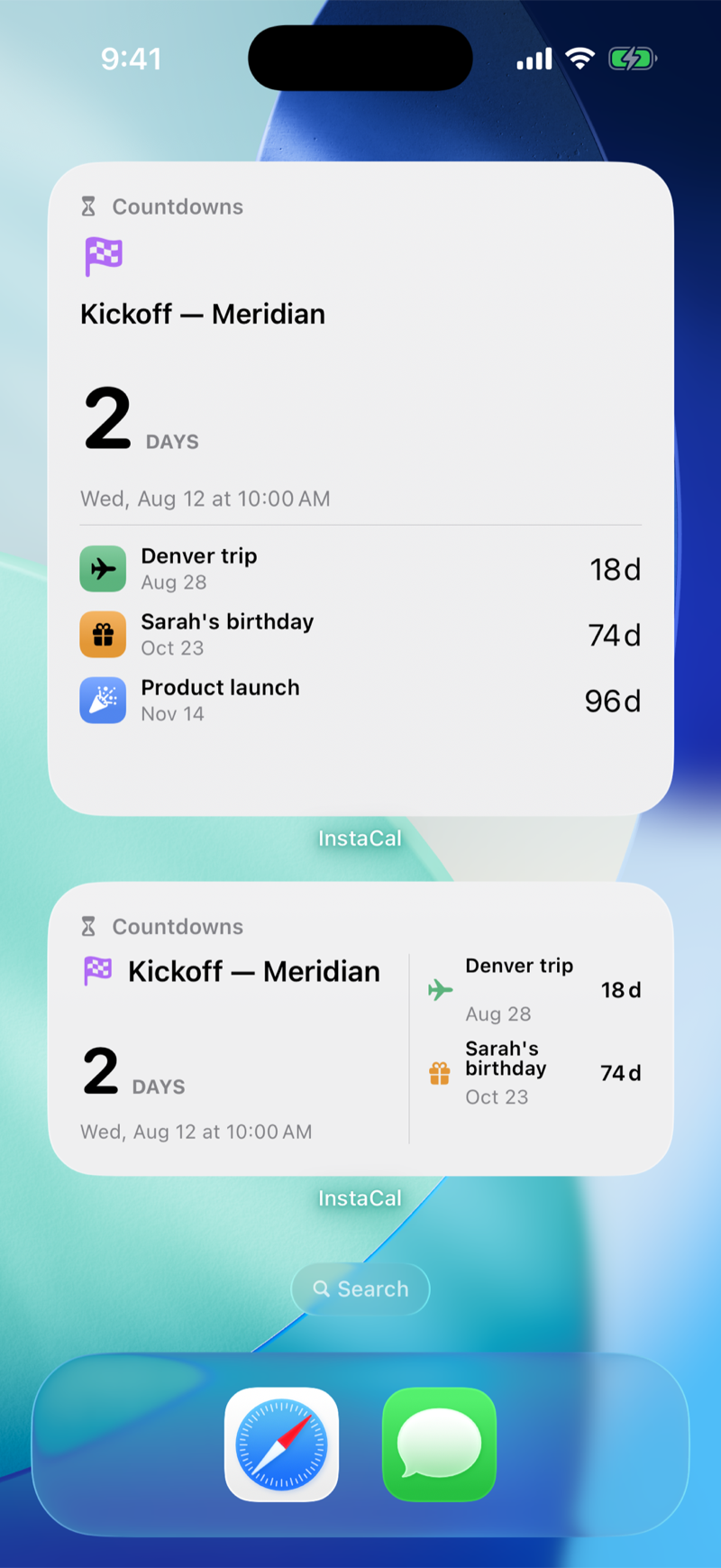
    Widgets come to the desktop. Next Event, Agenda, Month and Up Next, each taking a theme of its own. Up Next carries tomorrow and its forecast; reminders can be ticked off and restored without opening the app; and tapping an event or a day opens the matching place in InstaCal rather than just launching it.

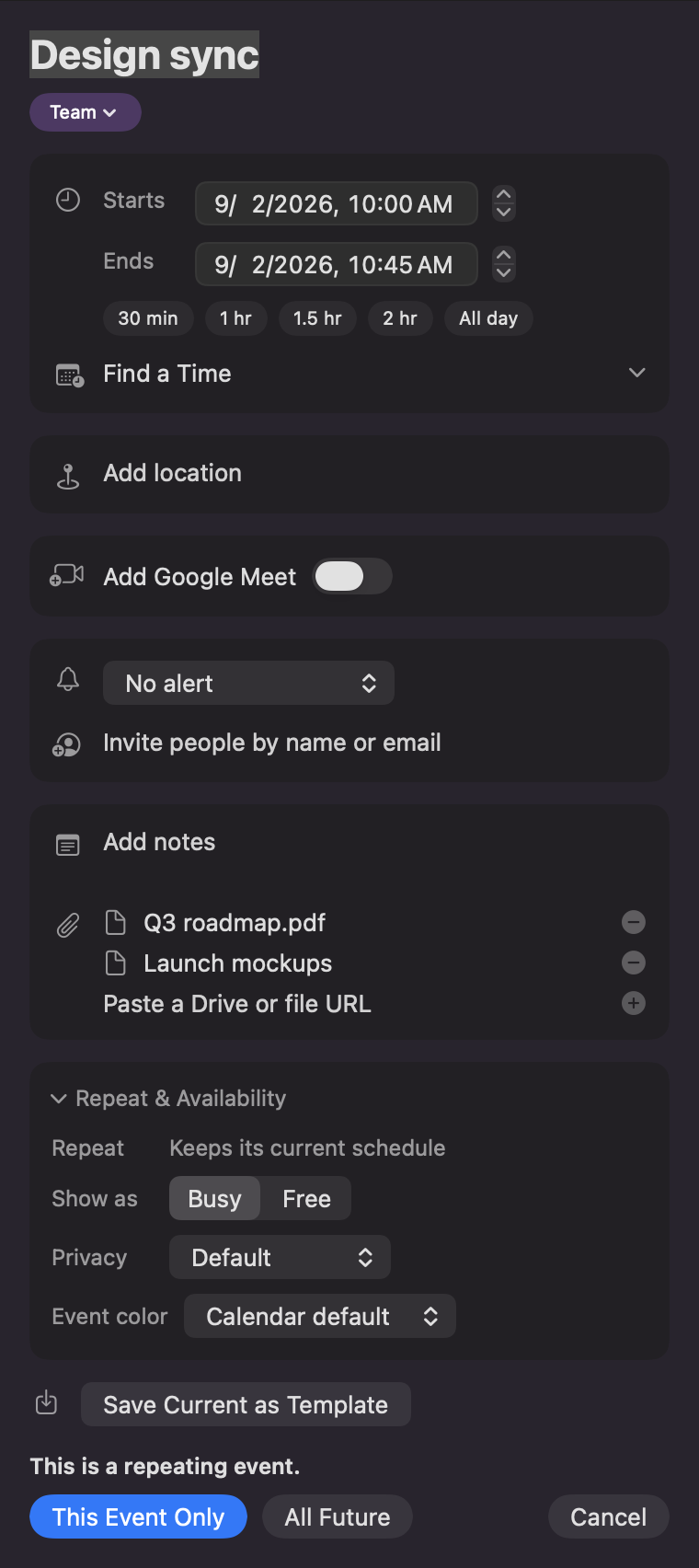
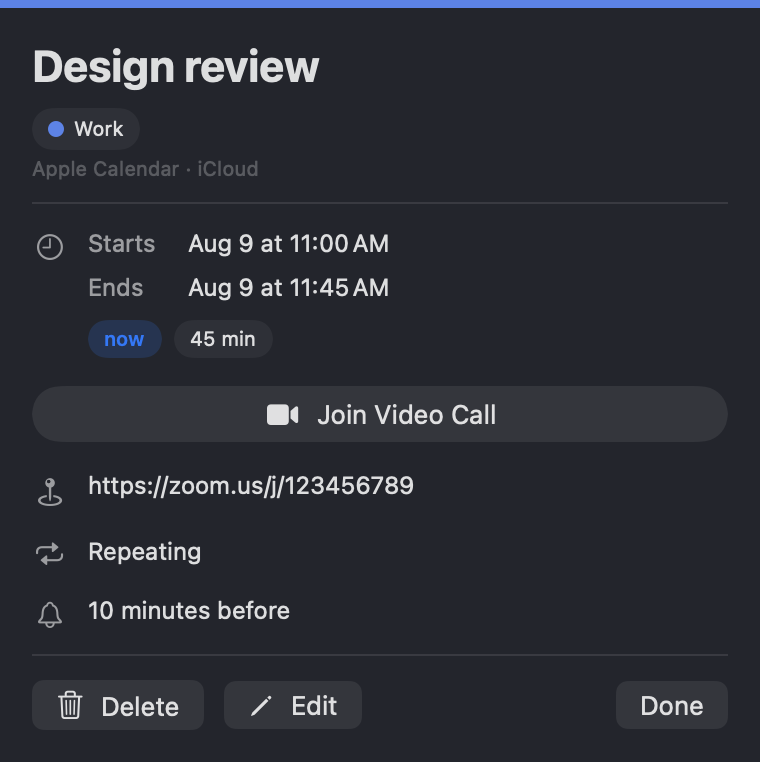
    Video meetings, end to end. InstaCal could already open a link — now it can create one. Add a Google Meet or Teams link while you make or edit an event, and open it from a card headed by the provider's real name, with the Join button and a shareable address inside.

    Reminders finally behave the way they read. One due on a day with no time of day can alert, with its own settings for which day and what time. Ticking one off leaves it in the list struck through, instead of vanishing the evidence that you did it.

    And a second time zone sits beside each event time, for the calls that cross one.

    Prefer the short version? See every line →

    Everything in this release

    • Native Mac widgets bring Next Event, Agenda, Month, and Up Next to the desktop. Up Next carries tomorrow and its forecast, reminders can be ticked off and restored without opening the app, and tapping an event or a day opens the matching place in InstaCal. Each widget takes a Theme of its own: System, Light, or Dark
    • Video meetings, end to end. Add a Google Meet or Teams link while you create or edit an event, and open one from a card headed by the provider's real name — Google Meet, Microsoft Teams, Zoom, Webex — with the Join button and a shareable address inside it
    • A second time zone sits beside each event time, for the calls that cross one
    • Reminders behave the way they read. A reminder due on a day with no time of day can finally alert, with its own settings for which day and what time. Ticking one off leaves it in the list, struck through, instead of making it disappear
    • Quick Add reads a day of the month on its own: "the 17th" is a date, while "5th Avenue" stays an address
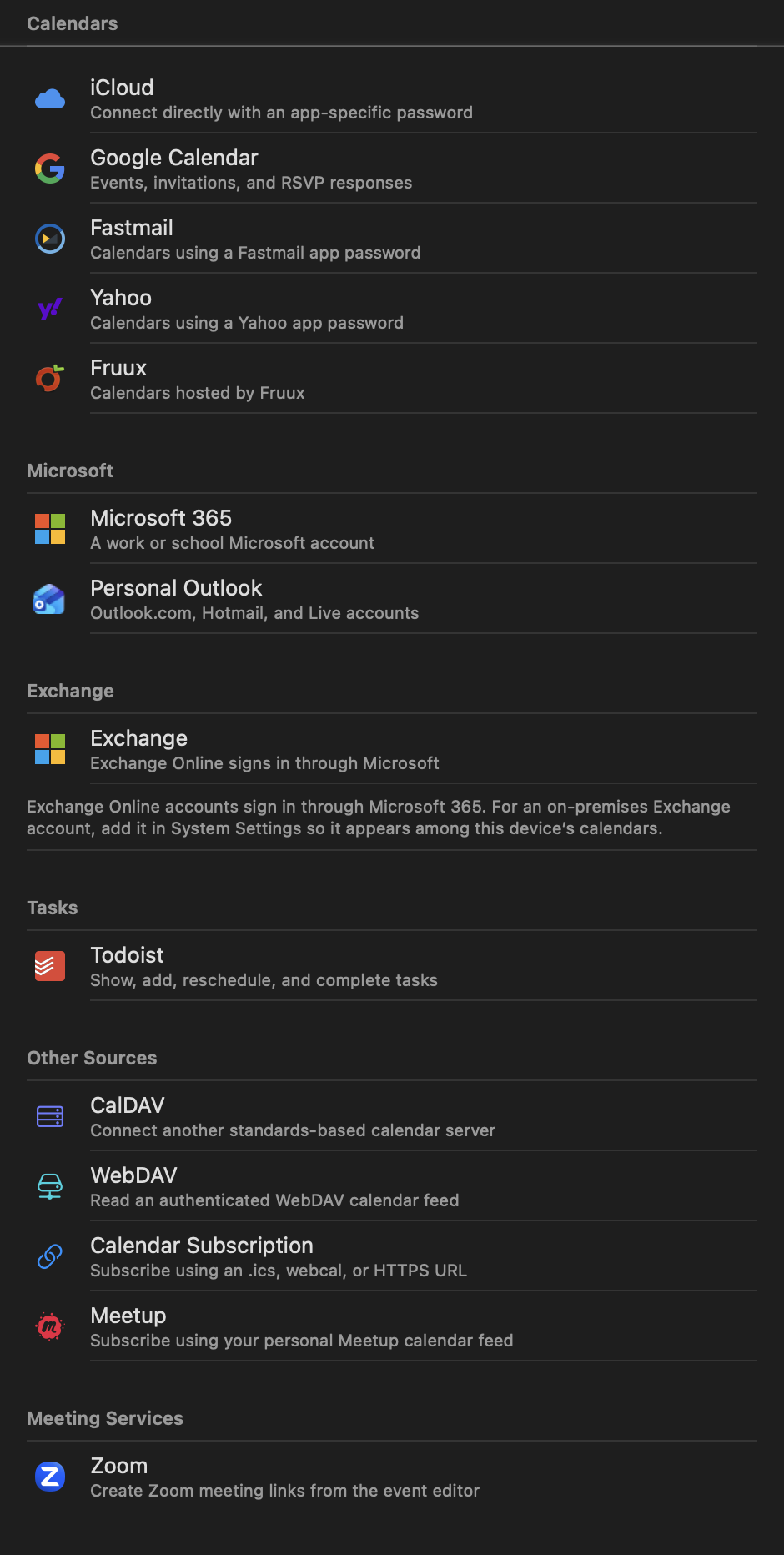
    • New Google and Microsoft events appear the moment they save, and a calendar InstaCal cannot reach now says so instead of quietly using a different one
    • Weather symbols keep clouds legible while preserving each condition's color, and Classic Color is the default icon style
  2. Mac

    Eleven more languages, and drag to retime

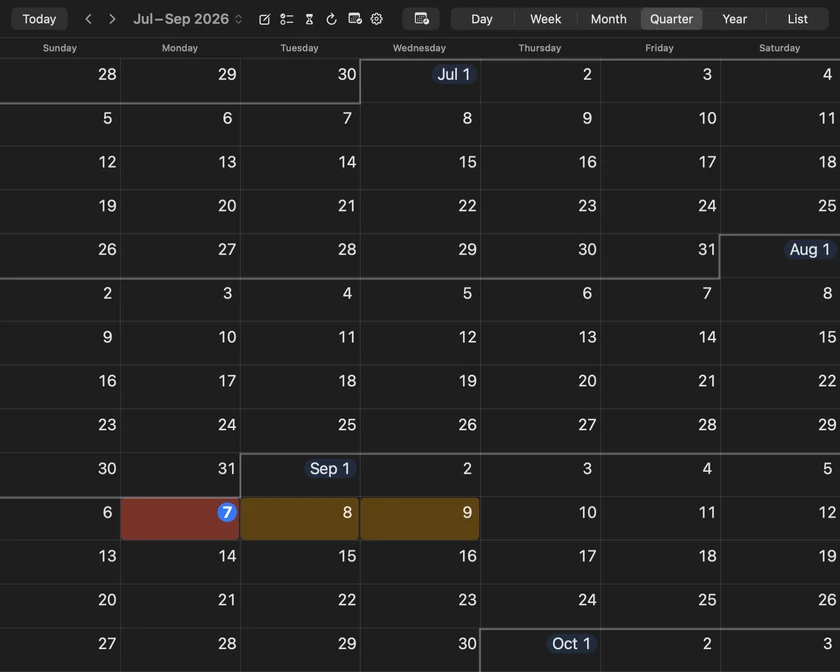
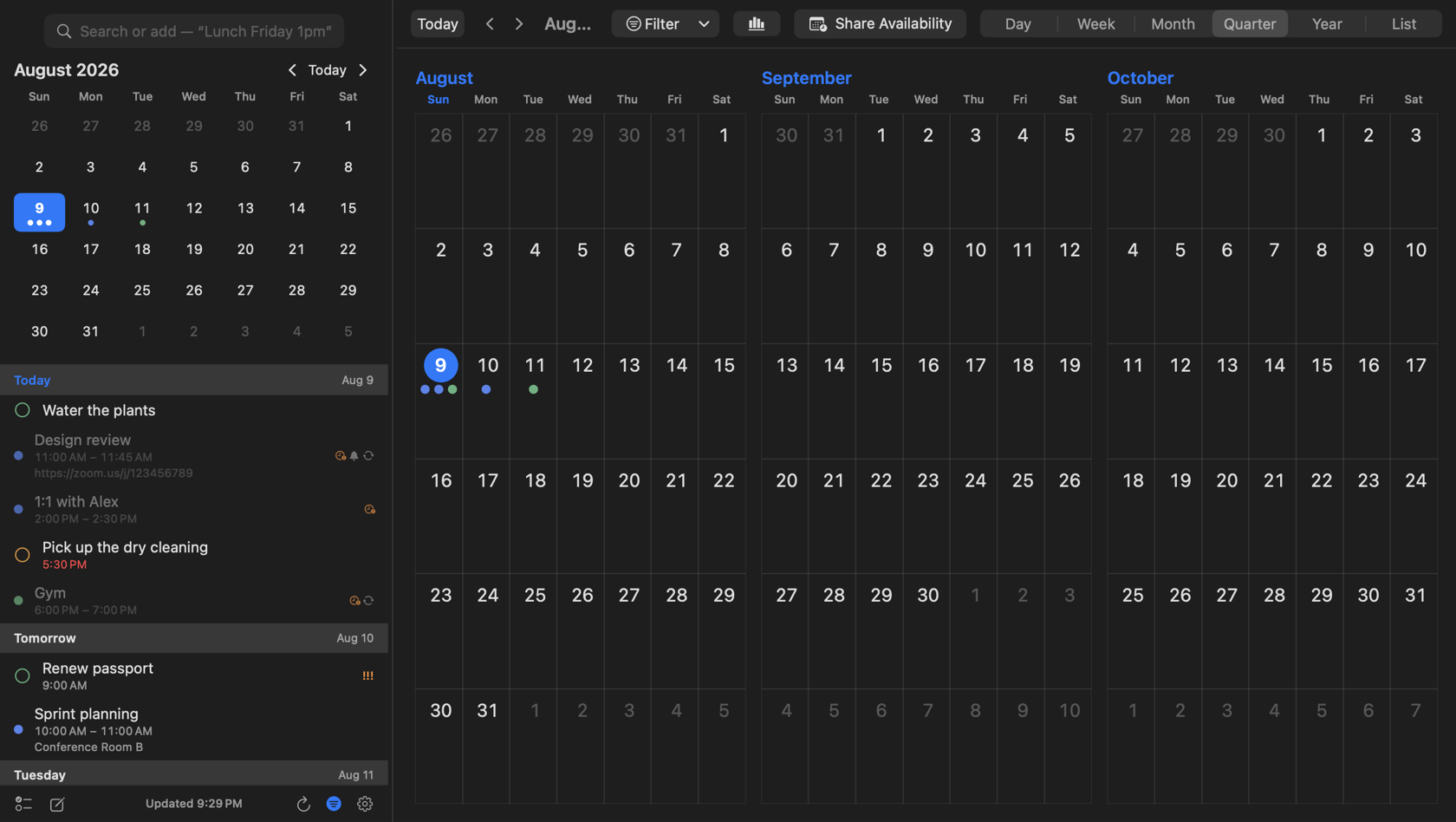
    InstaCal speaks eleven more languages including Quick Add, events move by dragging them in the grid, and a new Quarter view shows three months at once.

    A big release, and an unusually wide one — it touches the language you use the app in, the way you move an event, and how much of the year you can see at once.

    Eleven more languages — German, French, Spanish, Italian, Dutch, Brazilian Portuguese, Russian, Japanese, Korean and both Chinese scripts. Not just the interface: Quick Add reads dates and times in each of them, which is the part that is actually hard and the part that makes the app usable rather than merely translated.

    Events move by dragging them. Pick one up in the Week or Day grid and drop it where it belongs, in quarter-hour steps, with the new times reading out as you drag. Right-click any event anywhere — the agenda, a month cell, the hour grid, the list — and get the full menu: Edit, Duplicate, Reschedule, Move to Calendar, Join Video Call, Get Directions, Share, Delete.

    Quick Add takes commands now, not just new events: "move gym to 7pm", "cancel dinner friday", with a preview of exactly what Return will do before you press it.

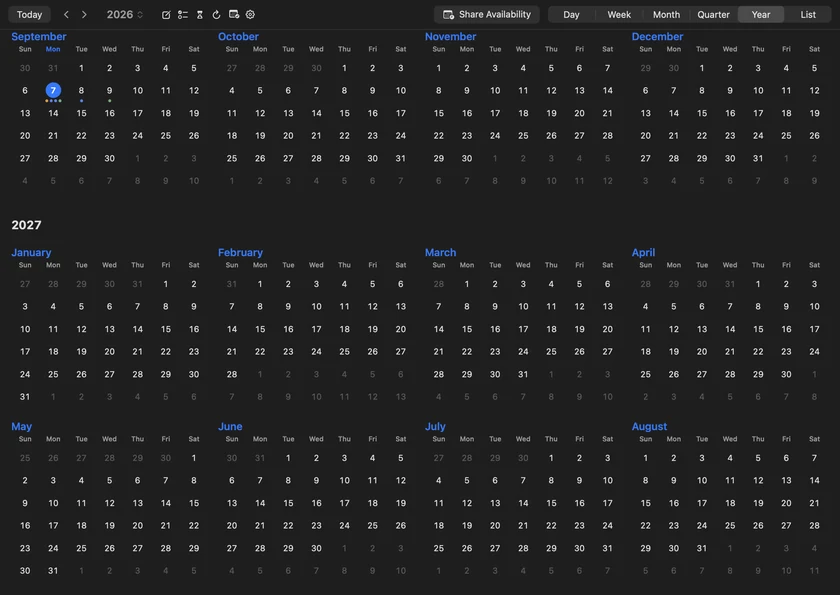
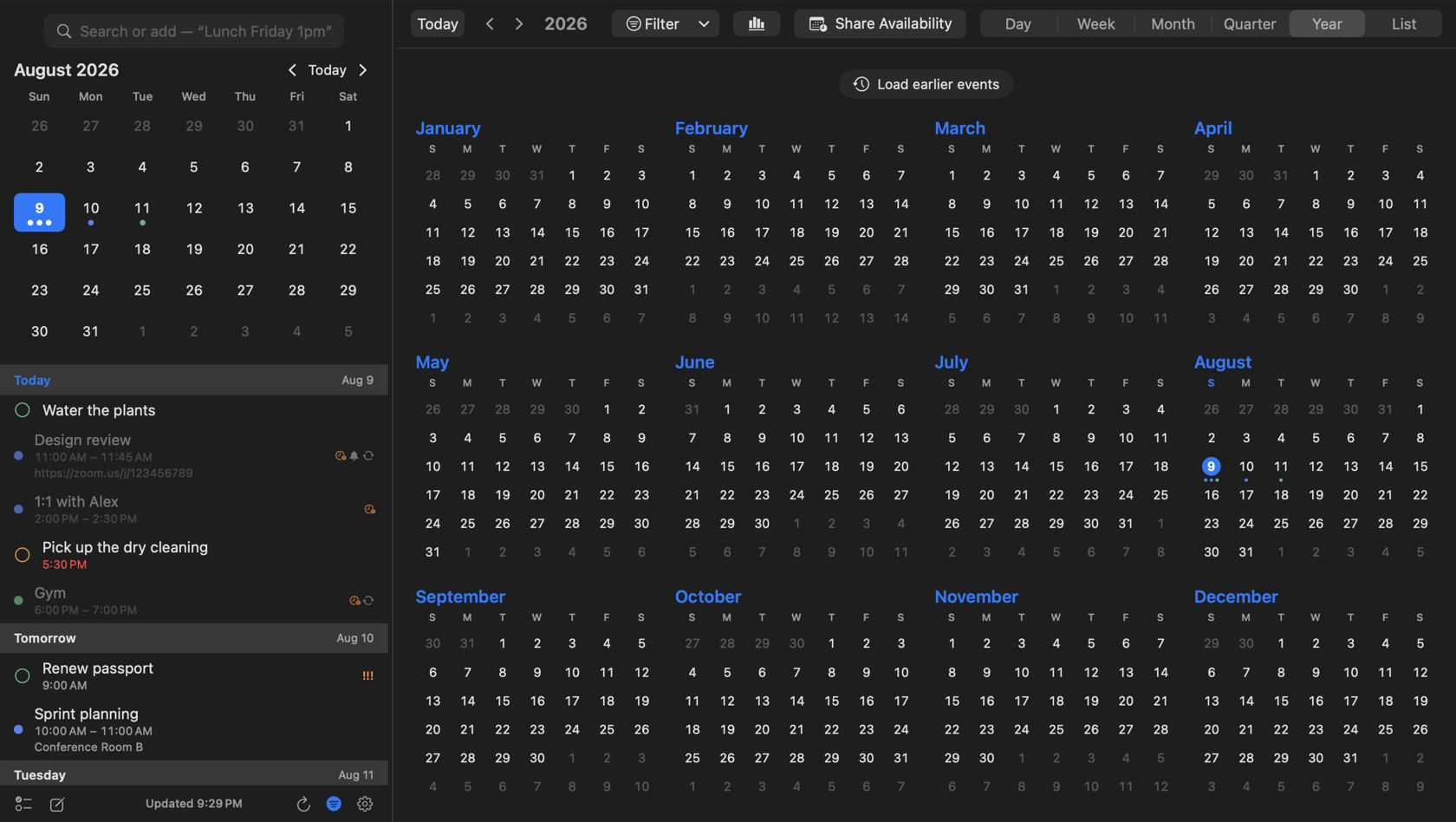
    A new Quarter view shows three months at once, and Year was reworked with larger day cells and event indicators you can render as dots, bars, or a timeline that draws each day's shape by duration.

    Underneath all of it, InstaCal is markedly faster — changing a setting no longer stalls the menu bar, and Month and Year stay smooth with a large calendar loaded.

    Prefer the short version? See every line →

    Everything in this release

    • InstaCal now speaks eleven more languages — German, French, Spanish, Italian, Dutch, Brazilian Portuguese, Russian, Japanese, Korean, and both Chinese scripts — and Quick Add reads dates and times in each of them
    • A new Quarter view shows three months at once, and Year is reworked with larger day cells and event indicators on every day — show them as Dots, Bars, a Timeline that draws each day's shape by duration, or not at all
    • Move and retime events by dragging them straight in the Week and Day grids, in quarter-hour steps, with the new times reading out as you drag
    • Right-click any event, anywhere — the agenda, a month cell, the hour grid, the list — for a full menu: Edit, Duplicate, Reschedule, Move to Calendar, Join Video Call, Get Directions, Share, Delete
    • Quick Add takes commands — "move gym to 7pm", "cancel dinner friday" — and previews exactly what Return will do, while a one-line Day Briefing sits above your agenda
    • New widgets: a month grid that draws true spanning bars, a Day Briefing, Up Next, and a Next Event widget that tells you when to leave
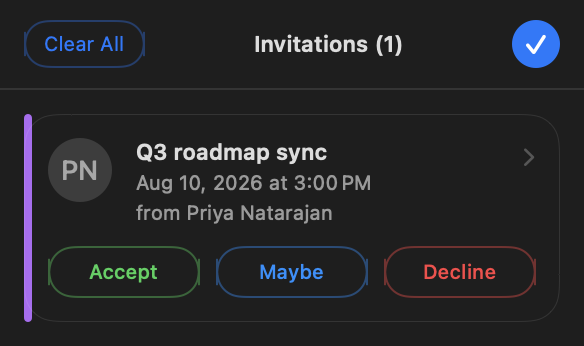
    • Invitations arrive as cards carrying the organizer's photo, with labelled Accept, Maybe, and Decline — and a Replied tab lets you change your answer any time before the meeting
    • Go to Date comes to the Mac: type "next friday" or "sep 8", or scroll one continuous list of months
    • InstaCal is markedly faster — changing a setting no longer stalls the menu bar, and Month and Year stay smooth with a large calendar loaded
    • The Alarms window now mirrors only the alerts stored on your events and reminders, with separate, optional InstaCal-only alerts for the ones that carry none
    • All-day events now carry their own alerts — a birthday, a holiday, a trip with an alert set in its calendar now reaches the Alarms window, and all-day events with no alert of their own can take one at a day and time you choose
  3. Mac

    Year view, and shortcuts for everything

    All twelve months at a glance, and a keyboard shortcut you choose for every menu command and calendar view.

    Year view lays out all twelve months at once — the view you want in December when someone asks about March.

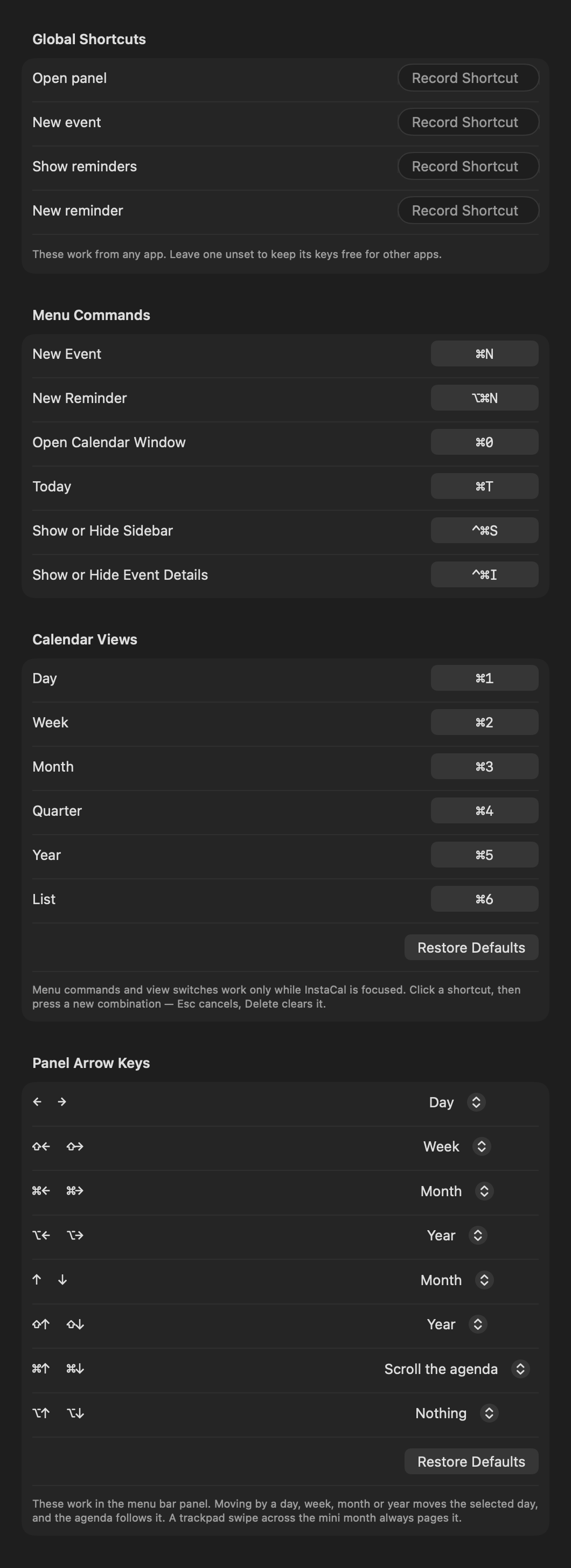
    And every menu command and every calendar view now takes a shortcut key you choose, including new ones for the sidebar and the event details pane. A menu bar app lives or dies on how fast you can get in and out of it.

    Prefer the short version? See every line →

    Everything in this release

    • Year view lays out all twelve months at a glance
    • Every menu command and calendar view takes a shortcut key you choose
    • New shortcuts open and close the sidebar and event details
  4. Mac

    Invitations

    Invite people by typing a name, see conflicts before you reply, and answer Yes, Maybe or No without leaving the panel.

    Invitations became a two-way thing. Start typing a name or an email and pick from your contacts, photo and all — inviting someone is now a few keystrokes rather than a trip to another app.

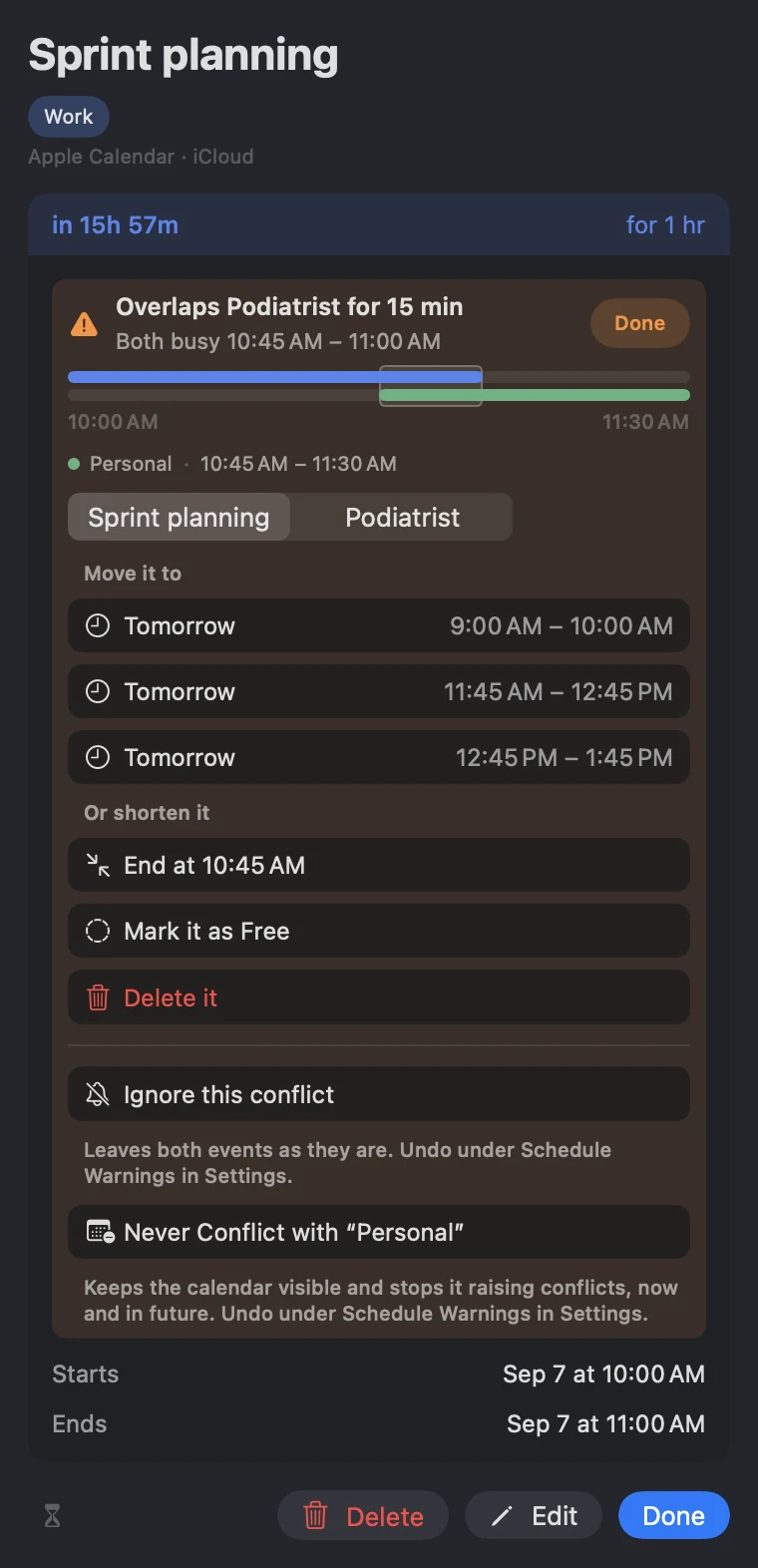
    Coming the other way, an invitation tells you what it collides with before you answer it, which is the question you actually have, and you reply Yes, Maybe or No right there in the panel. Pending invitations and active alerts now share one bell instead of competing for your attention.

    One quiet fix worth the release on its own: a meeting synced from two accounts appears once, not twice.

    Prefer the short version? See every line →

    Everything in this release

    • Invite people in a flash — start typing a name or email and pick from your contacts, photo and all
    • Invitations flag conflicts with your existing events before you reply
    • Reply to invitations with Yes, Maybe, or No right from the panel
    • Pending invitations and active alerts share a single bell
    • The same meeting synced from two accounts now appears only once
  5. Mac

    InstaCal 3

    A rebuilt menu bar calendar: new design throughout, plain-English event entry, one-click joining for every meeting service, and your next event counting down in the menu bar.

    Version 3 is not an update to InstaCal so much as a second one.

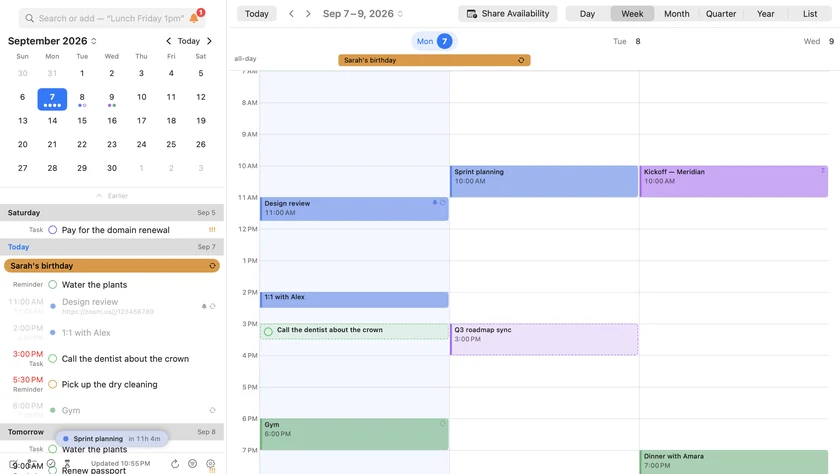
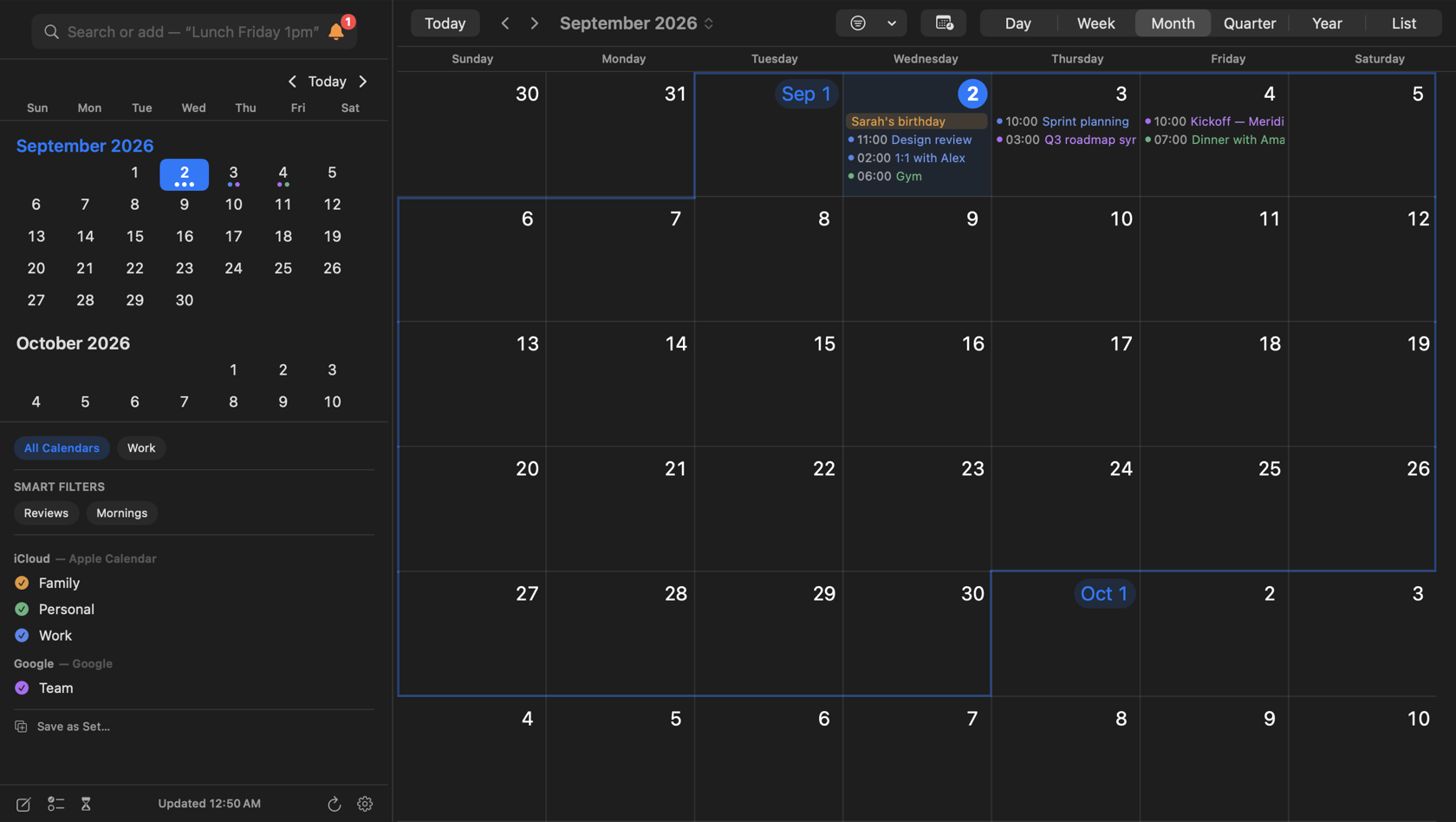
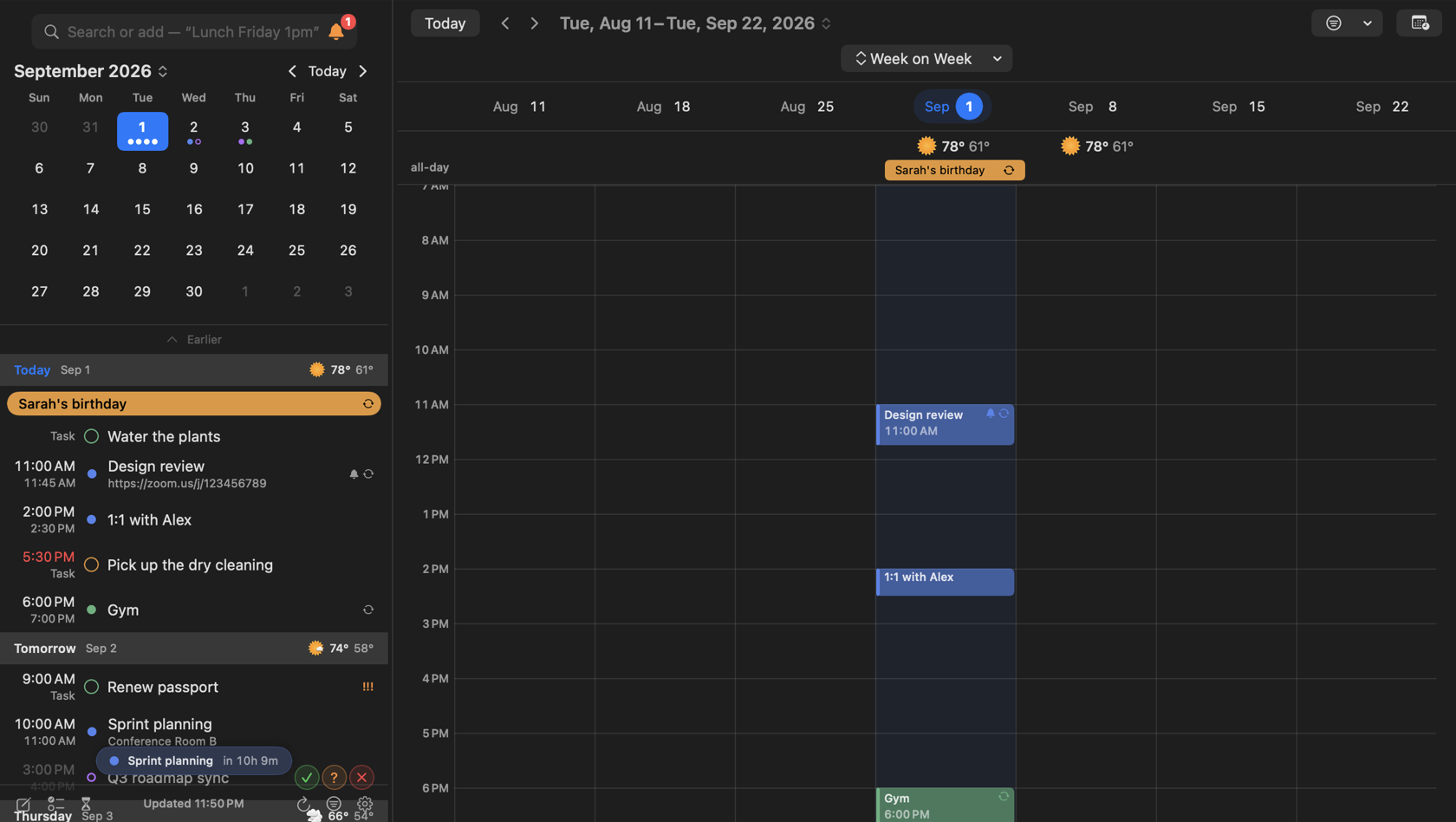
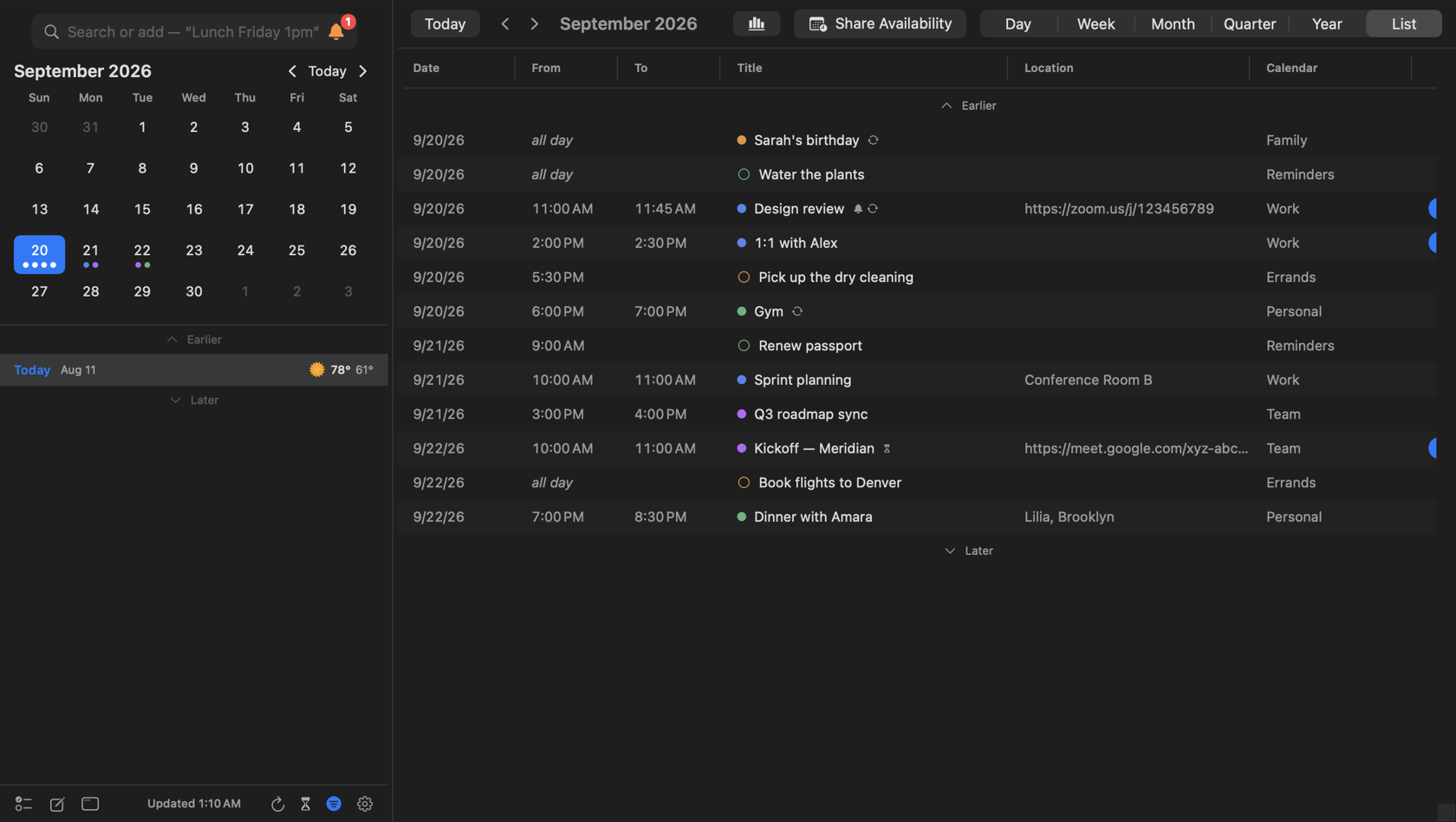
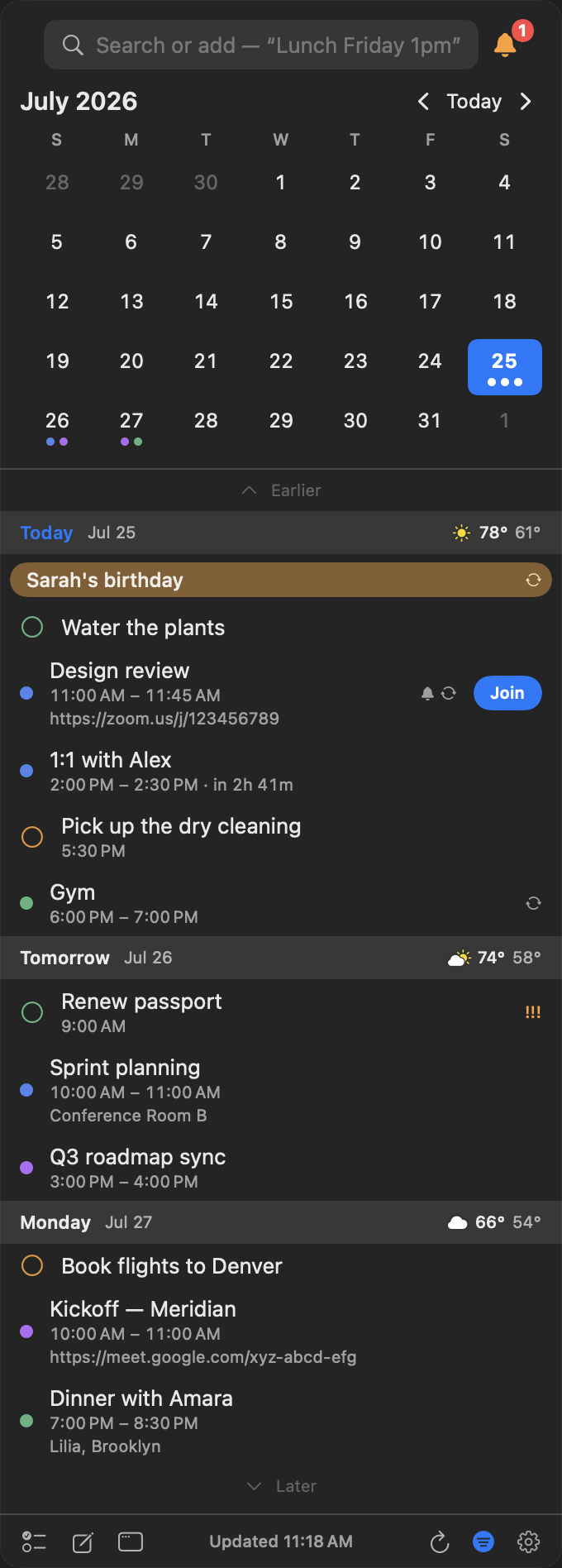
    The whole app was redrawn. Full Dark Mode, themes, a panel you can resize — and a proper calendar window behind it with Day, Week, Month and List views, which the menu bar alone could never give you.

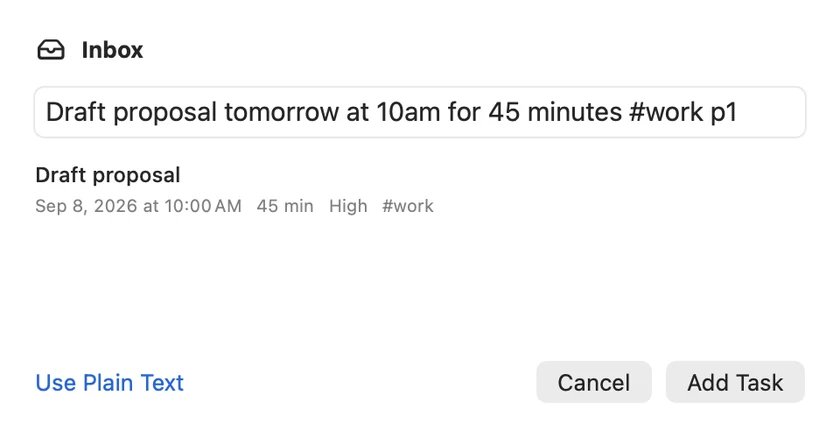
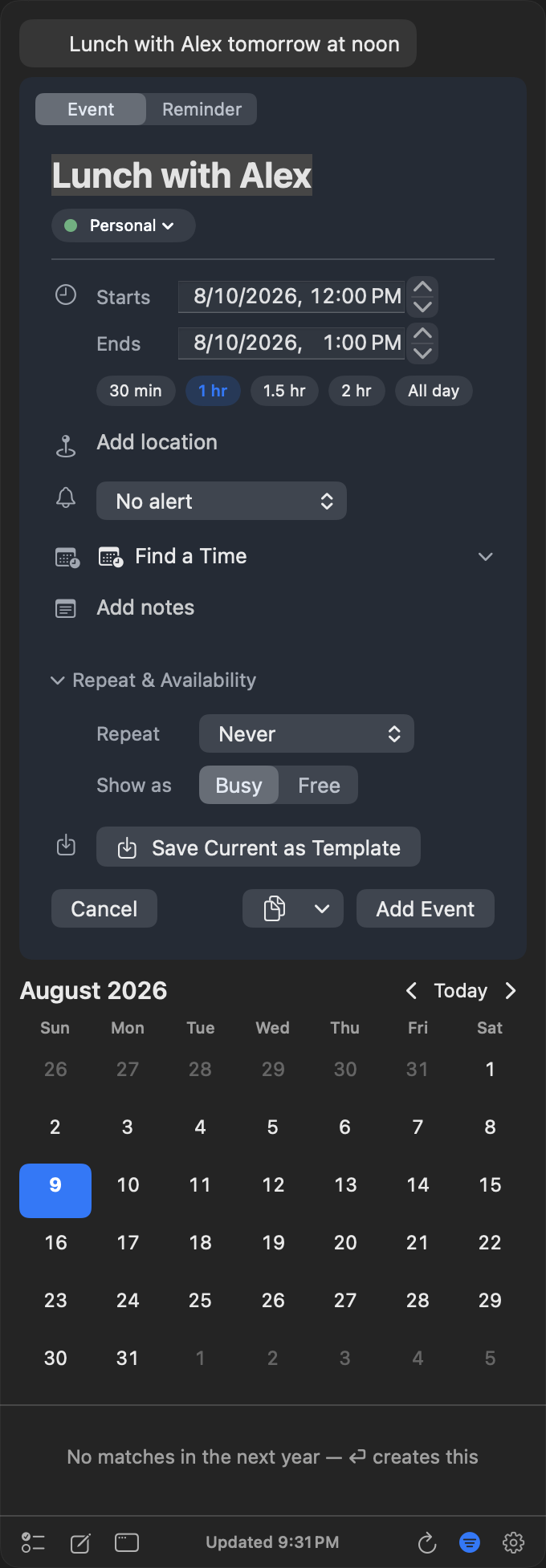
    The two additions that change the daily rhythm are smaller than that. Type what you mean — "Lunch with Sam Friday 1pm" — and watch the event assemble in a live preview before you commit it. And one-click Join for Zoom, Google Meet, Teams and twenty-odd other services, so the thirty seconds you spend hunting for the link in a calendar note stop happening.

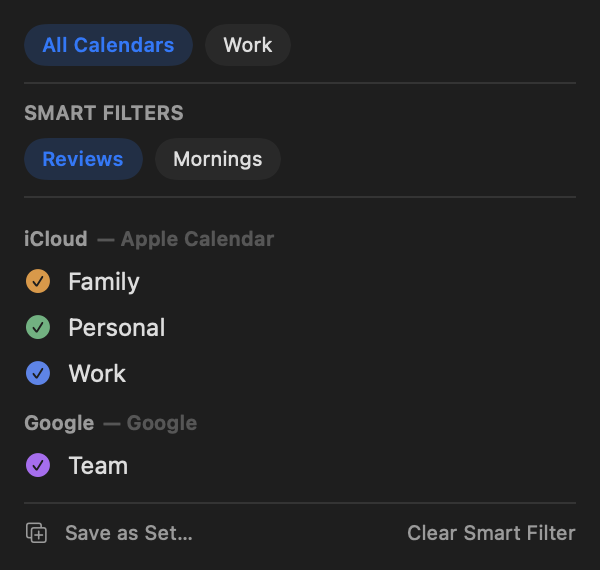
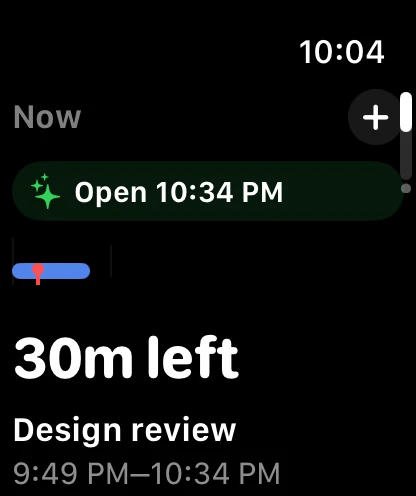
    Your next event and a live countdown sit in the menu bar, and Calendar Sets let you swap between groups of calendars in a click — work in the morning, everything at the weekend.

    The InstaCal panel in dark mode, showing the agenda under a month grid
    The redesigned panel — resizable, themed, dark mode throughout.

    Prefer the short version? See every line →

    Everything in this release

    InstaCal 3.0 is a complete rewrite — a new, faster InstaCal built from the ground up for modern Macs.

    Your accounts and settings carry over automatically.

    • All-new design with full Dark Mode, themes, and a resizable panel
    • Type events in plain English — “Lunch with Sam Friday 1pm” — with a live preview
    • One-click Join for Zoom, Google Meet, Teams, and 20+ meeting services
    • Your next event and a live countdown in the menu bar
    • Calendar Sets — switch between groups of calendars in one click
    • Full calendar window with Day, Week, Month, and List views
    • Search, week numbers, custom colors, and keyboard shortcuts throughout
    • Faster sync for Google and Microsoft 365, native on Apple Silicon
    The InstaCal panel in dark mode, showing the agenda under a month grid
    The redesigned panel — resizable, themed, dark mode throughout.
InstaCal app icon
Get the latest version $29 once. One purchase includes InstaCal for Mac, iPhone, iPad and Apple Watch. No subscription, InstaCal account or ads.

Looking for what InstaCal can do rather than when it arrived? Every feature is listed on one page.